Welcome to the May ParadeSmart Newsletter!
In this issue, we're excited to share one of our biggest dashboard improvements yet. Clients can now manage their own Parade Settings directly inside the ParadeSmart Dashboard!
We're also highlighting helpful setup guides for configuring voting and awards, along with getting started with adding builders and homes to your parade.
Many of these improvements and resources are designed to make setup easier, reduce back-and-forth communication, and give organizers more flexibility throughout the parade process.

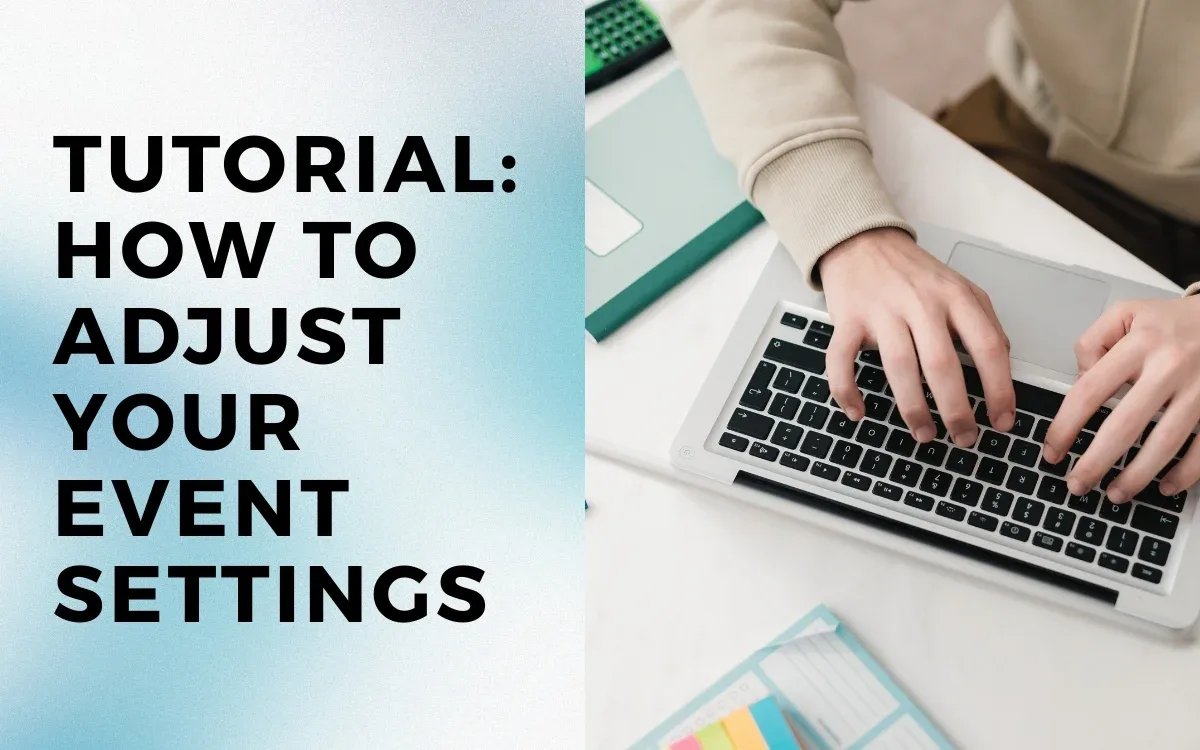
NEW! Adjust Your Parade Dates, Voting Settings, Address Visibility, and More in Your Dashboard!
Read More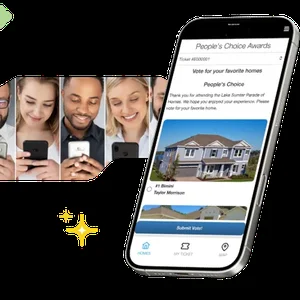
Setting Up Voting & People's Choice Awards
Learn how to configure voting settings, award requirements, and visitor qualifications for your parade.
Read More
ParadeSmart Tutorial: How to Add Builders and Homes
A step-by-step guide to setting up builders, adding homes, and preparing your parade for launch.
Read MoreHow One Colorado HBA Earned 5 FREE Homes With a Quick Intro
A few months ago, one of our Colorado HBAs passed along a quick recommendation to another parade event in their state that was looking for better tools.
That short intro turned into a full signup. The referred HBA got 10% off their first event, and the referring HBA earned 5 FREE homes added to their next parade.
Real events, real rewards. Now it's your turn!
Refer an HBAGet the next issue in your inbox — free to subscribe.
Sign Up for the Newsletter